
Software for interior finishing — this is how office work is done today

plancraft supports you throughout the entire interior finishing process. From preparing quotes to tracking time: with plancraft, your office runs just as precisely as your work on the job site.
- Measure wall, ceiling, and floor surfaces on the go
- Drywall estimation using square meter pricing for boards and profiles
- E-invoices directly from the order — in XRechnung format

4.9


Successful interior finishers love plancraft

"With plancraft, my employees can easily log their hours via the app, and I have everything clearly organized on my computer, ready to send to my accountant – no more timesheets!"
Managing Director Effect Isi

%201.svg)


Why drywall contractors need specialized software
Drywall construction means: fast installation, transparent billing.
Partition walls, suspended ceilings, wall linings, shaft encasements — you work with drywall, profiles, and mineral wool, and you calculate by the square meter, not by the hour. What you don't need is software that looks the same for every trade. plancraft is the software for drywall contractors that actually understands your daily routine: take measurements directly on your iPad, calculate using square-meter pricing for boards and profiles, and generate quotes in minutes instead of spending your weekends on them. So you can stop managing Excel spreadsheets at night and finally get some sleep.


The most important features for interior finishing
Writing invoices whilst the wall is still drying
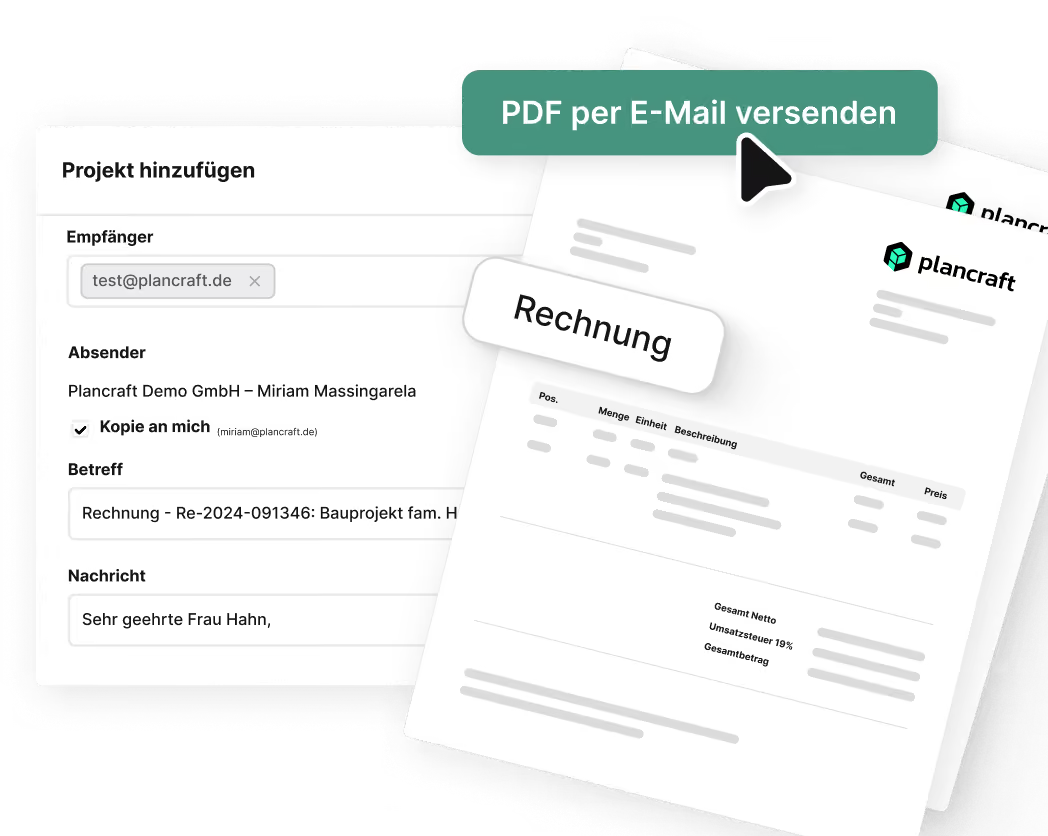
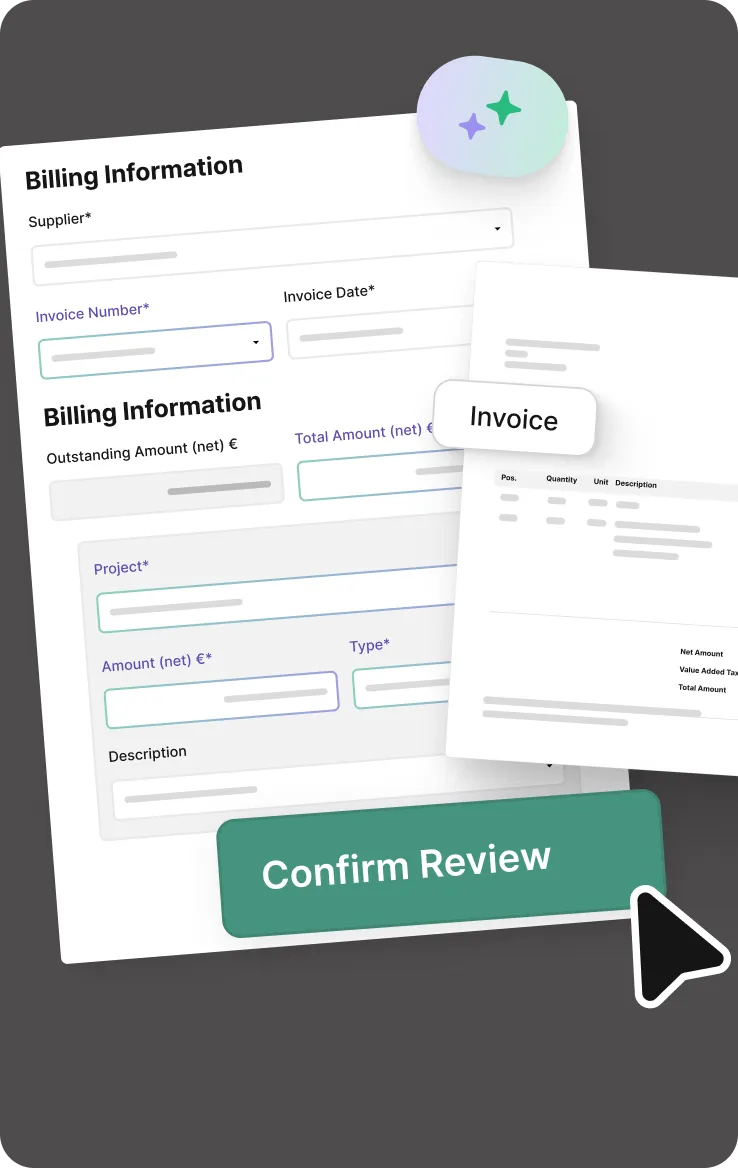
With the integrated invoicing programme, you can create quotations, order confirmations, interim and final invoices directly from the order — without having to enter data twice. plancraft generates e-invoices in XRechnung format at the touch of a button and sends your documents to your tax adviser via DATEV export. This means that, as a drywall fitter, you’ll be complying with the e-invoicing requirement from 2025 onwards without even realising it.
Measuring for plasterboard work: tap instead of calculating
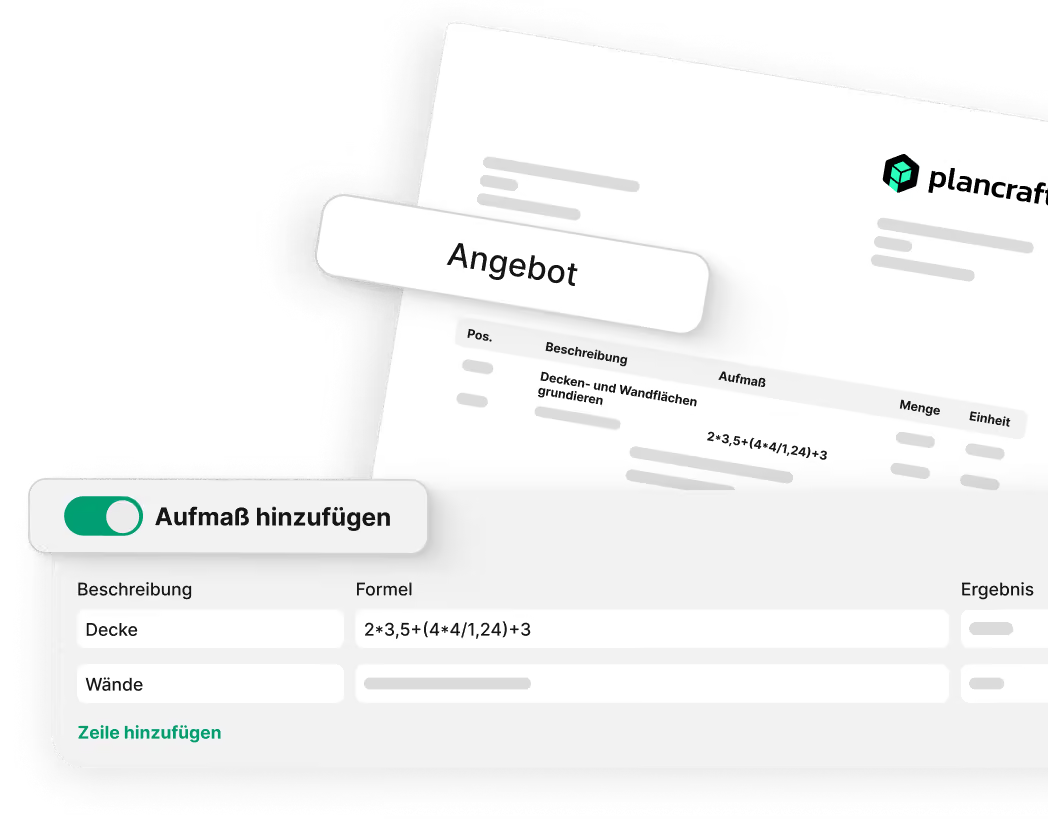
When you’re on site with a customer, you can take measurements directly via the app on your iPad — just enter the height, width and door openings, and you’re done. All the figures are automatically fed into your quote and all subsequent documents. No more measurement pads, handwritten notes or typing errors.
Costing for drywall construction: create it once, use it again and again
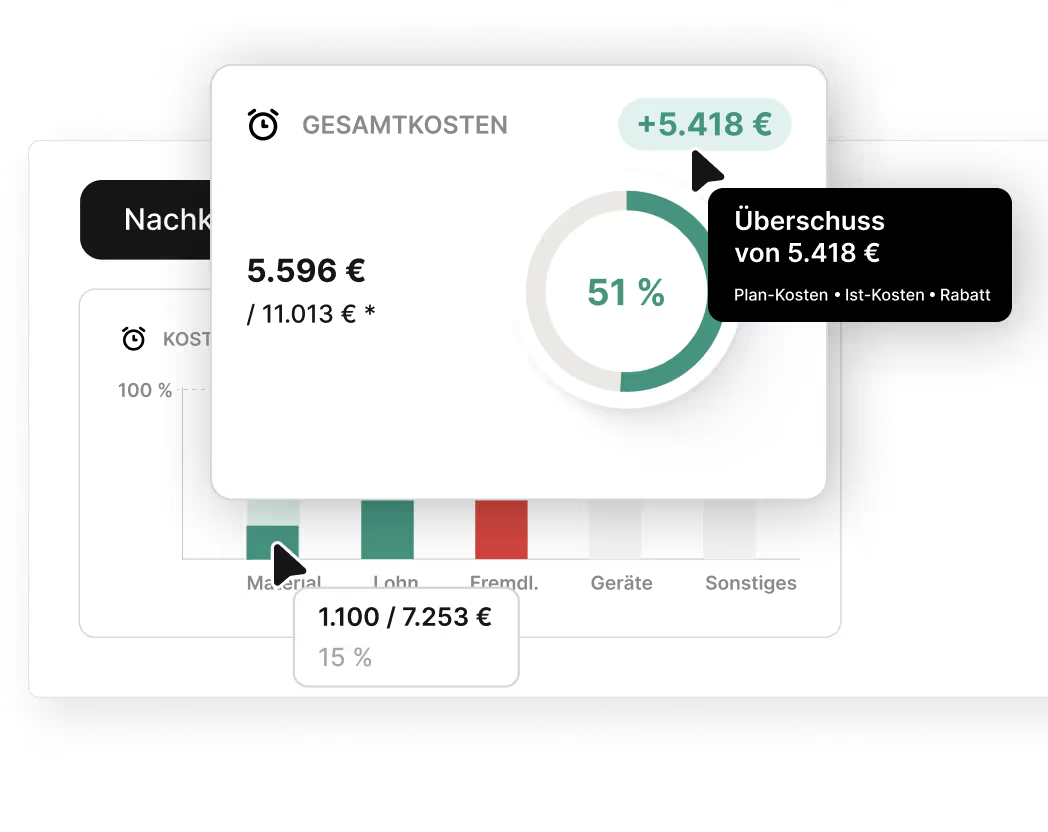
Single or double-skinned partition walls, suspended ceilings, cladding — every job consists of building blocks that you calculate time and time again. In the plancraft drywall costing programme, you set them up once with a price per square metre, materials and an hourly rate. The next time you draw up a quote, you simply drag and drop them in with a click — materials and labour are calculated in real time, and you can keep an eye on your margin.
Scheduling board: all building sites, all staff, one screen
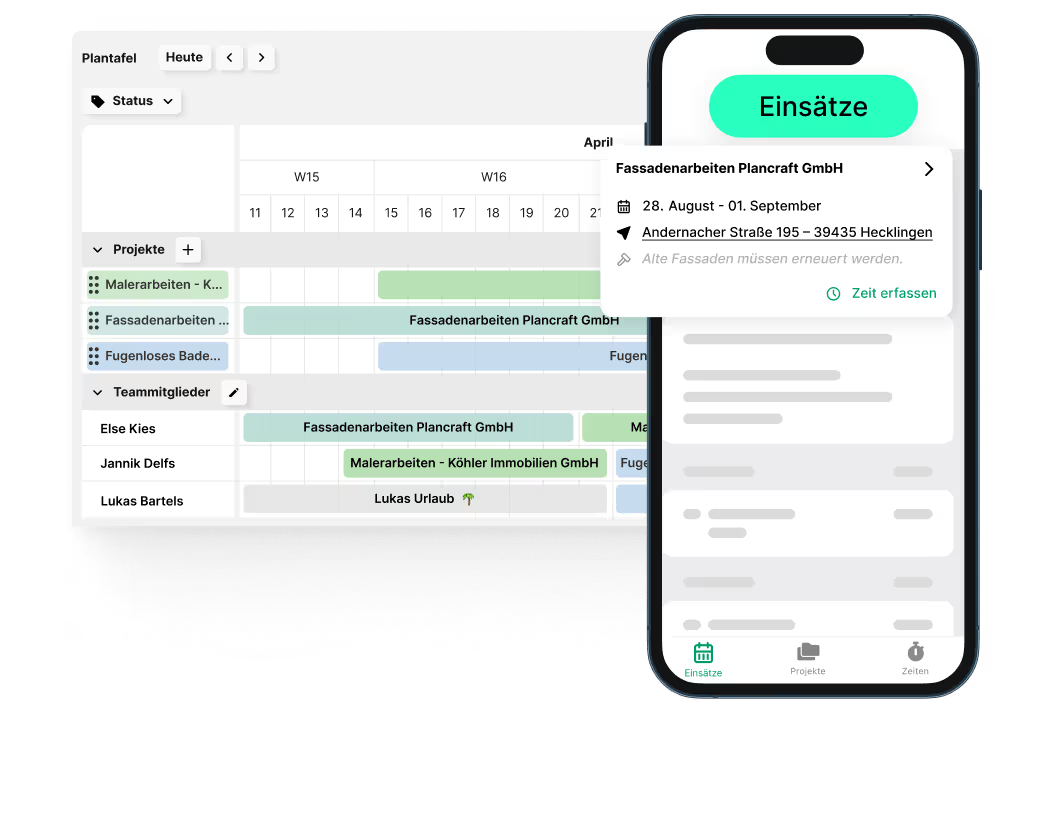
Three building sites running simultaneously, two teams, and delayed material deliveries thrown in — and every morning everyone’s asking you for updates. With the digital planning board, you can see at a glance who’s on which site and when, and reschedule appointments using drag-and-drop. Everyone involved receives updates instantly on their smartphone — no more morning phone chains and messages flying back and forth.
The trial is completely free and without obligation. Alternatively, you can book a demo session and have a plancraft team member guide you through the software.

Other important features for drywall contractors
From measurements and scheduling to final costing — these features support your drywall business at every stage of the project. Discover all of plancraft's features now.


The central hub for all order-related items. The project folder ensures you always have a clear overview.

Create precise offers and invoices quickly and easily. With just a few clicks, you can generate documents and send them to the customer directly from plancraft.

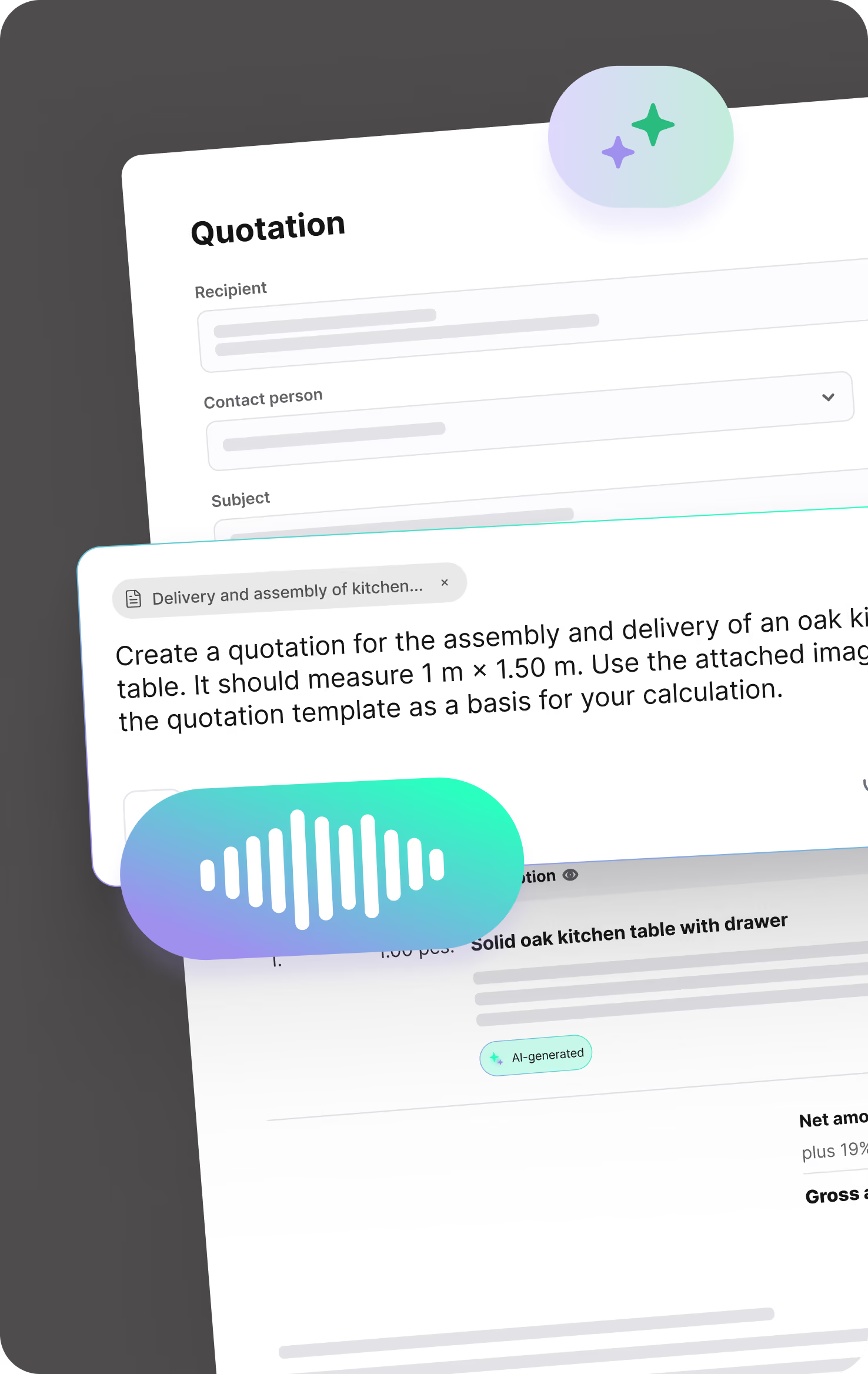
AI Quotation
Turn notes, voice recordings, images, measurements, or price lists into a clearly structured quotation draft in no time. Save yourself tedious typing and move faster from the first customer request to a ready-to-send quote.
Stay in full control of your payments. With flat and cumulative discounts, both you and your customers are always on the safe side.

Create detailed, accurate quotes and invoices with our in-depth calculation tools. This ensures you have full financial coverage for every aspect of your project, from material costs to labor hours.

Simplify recording and calculating measurements directly on-site. With plancraft, you can enter all your figures digitally and have them automatically integrated into your calculations and documents.

From customer and service details to article master data—manage all your essential information centrally in one secure system. This makes it easy to access and maintain everything you need. Simply import your material catalogs via Datanorm or GAEB.

Optimize processes and improve communication within your team. With automated work instructions & material lists, you ensure that all team members always receive up-to-date and clear instructions.


Keep track of all your projects in the planning board. Schedule time assignments for your construction sites and track progress in real time. This ensures your projects are always completed on time.

Make sure you always have the right people in the right place at the right time. Thanks to the planning board, you can always see the availability of your employees and assign them to their respective construction sites with a simple click.

Organize your employees into teams and assign them collectively to individual projects. This saves you time when planning construction sites and optimizes work processes.


Create detailed acceptance reports directly on-site, including all relevant information. Get them signed off by the client to avoid issues later on.

Keep track of extra work and associated costs with our site reports. Record changes and additional requirements efficiently to ensure all services are documented and billed correctly.

Let your team record daily progress on-site with our construction daily reports. These reports help you track construction milestones, materials used, and employee attendance.

Speed up your documentation with plancraft report templates. Create professional reports effortlessly and boost the efficiency of your construction projects. More time for your craft, less time for paperwork.

Speed up document approval with digital signatures. This feature allows you and your customers to sign documents quickly and securely, significantly simplifying your workflows.

Manage your materials efficiently with our integrated material tracking. Record incoming and used materials directly on-site so you always have a clear overview of what has been consumed.


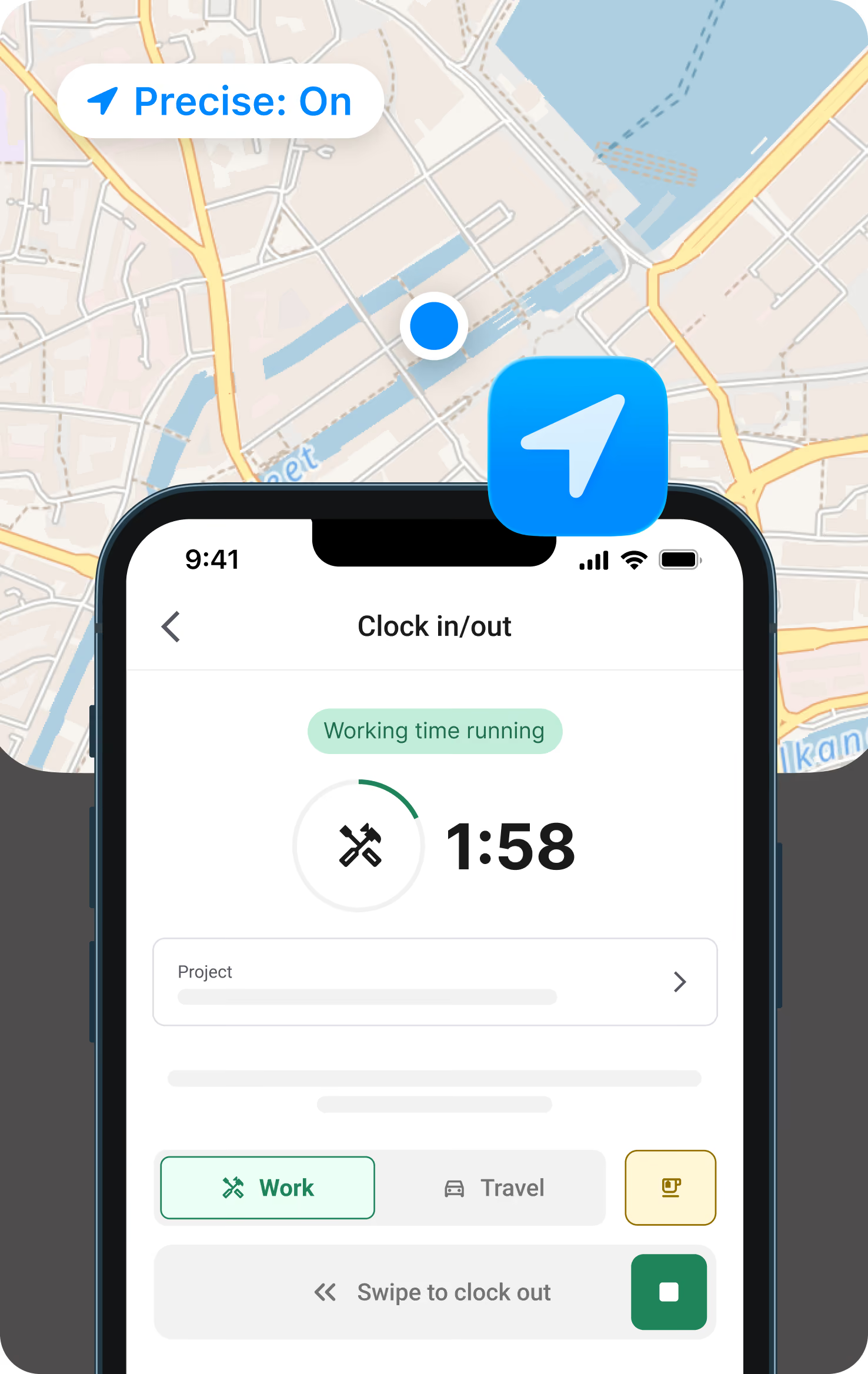
Your employees can record their working hours, vacation, and downtime quickly and easily via our mobile app. You can always view the hours logged in the project overview, ensuring you are prepared for any additional work.

Clock in in the morning, clock out in the evening, right from the app. In between, log breaks or travel time or switch projects with just a tap. So clocking in doesn't get lost in the daily grind, the app sends a push notification in the morning and afternoon as a reminder, based on your stored working hours model.
Record employee vacation days or company-wide holidays efficiently and clearly. This gives you a complete overview of staff availability, making workforce planning much easier.


Improve team communication with project-based chat. This allows you to communicate between the construction site and the office in real time. The chat is integrated directly into every project, so you have all relevant conversations and data in one place and can keep track of everything for deductions and invoices.

Make sure no important update is missed. Our notification feature keeps you informed about project changes and reminds your employees to log their working hours.

Organize all your documents, photos, and communication data securely and clearly in the file storage. This makes it easier than ever to access, manage, and share project materials, which improves collaboration and saves time.




Analyze the actual costs of your projects compared to your original estimates. With job costing, you can quickly identify financial variances and take the necessary steps.

Automate your reminders and reduce the time spent tracking overdue payments. You can send payment reminders quickly and effectively directly from plancraft.

Simplify your accounting by seamlessly exporting your financial data to DATEV. This feature makes collaborating with your tax advisor easier and streamlines your tax processes.

Keep track of all your issued invoices. Our invoice lists provide a detailed view of every invoice sent, making it easier to manage your finances and wrap up projects with ease.

The dashboard for each project gives you a quick, clear overview of your costs to date. This project overview is designed for maximum clarity, making post-calculation easier than ever.

FAQ's
Switching to a craft software can be so simple – we answer your questions!
What is drywall software?
Plasterboard installation software is a digital tool specifically tailored to the needs of plasterboard installation firms.
For example, it assists with taking measurements, calculating the costs of partition walls and ceilings, managing materials such as profiles and panels, scheduling work on the planning board, and preparing quotations and invoices.
How do I find the best drywall software?
You can’t tell if drywall software is good by its range of features, but rather by whether your team still enjoys using it even after several weeks.
Key criteria include intuitive operation, straightforward measurement, flexible costing modules for profiles, boards and plastering quality levels, as well as interfaces such as Datanorm and DATEV. plancraft meets these requirements in a cloud-based solution and is used by over 30,000 tradespeople.
How much does software for drywall fitters cost?
Prices for drywall software vary depending on the provider and the range of features. plancraft starts at €47.92 per month for the Business package (when paid two years in advance) or €59.90 per month for an annual subscription. You can find all packages and options on our pricing page.
plancraft also offers a free trial period during which you can test the full functionality risk-free — no credit card required.
Is drywall software also worth it for new or small businesses?
Yes — young drywall contractors in particular benefit early on from specialised software.
The time you invest at the start in setting up accurate master data and costing modules will save you time later on with every single quote. What’s more, you’ll set your business up for e-invoicing, GoBD compliance and digital time tracking right from the start — saving you costly changes down the line. plancraft is designed for businesses with as few as one person and grows alongside your drywall business.
What interfaces does plancraft offer as a software programme for drywall construction?
plancraft supports the key interfaces for drywall contractors: Datanorm for importing material catalogues from your wholesaler, GAEB for participating in public tenders, DATEV export for sending data to your tax adviser, and XRechnung for legally compliant e-invoices. This allows you to exchange data with wholesalers, tax advisers and public authorities without the need for workarounds.


What drywall businesses can expect from plancraft
As trade software for interior finishing and drywall businesses, plancraft supports the most important processes in the office and on the job site: from measurements and estimates to invoicing. Drywall contractors save an average of several hours of office time per week.
plancraft is intentionally kept simple. Instead of getting bogged down in complex modules, the software helps you streamline recurring tasks and keep a better overview of your projects.
For businesses, this means less administrative effort, better organization, and more time for the actual work on the construction site.
Typical challenges in everyday drywall construction:
- Excel lists, Word templates, and scattered paperwork no longer work together
- Disorganized crew and site planning for multiple projects
- Time-consuming calculation of drywall panels, profiles, and insulation materials
- Duplicate data entry between measurements, quotes, and invoices
- Concerns about compliance gaps (e-invoicing, GoBD, mandatory time tracking)
What to look for when comparing drywall software
You can tell if software is good for drywallers by whether it truly simplifies your daily routines—not by how many complicated features it has.
- Intuitive operation: Your team must be able to quickly record measurements, quotes, and hours
- Drywall calculation: Prices, hourly rates, and margins must be calculated in a transparent way
- Mobile measurements: Wall and ceiling areas should be recorded directly on-site via app .
- Cloud & mobile capability: The office, construction site, and crew need access to current project data—even on the go.
- Growth & scalability: The software should be a good fit for young drywall businesses and grow along with your company.
Book your personal product presentation now and let one of our plancraft employees guide you through the software in just 15 to 30 minutes. Free of charge and without obligation, of course.


