
Electrician software – Less office work, more time on the job

Hours of paperwork after the job? Not with plancraft. As an electrician, you can handle quotes, invoices, and time tracking right on-site – quickly, accurately, and without double entry. That leaves your evenings free.
- Quotes with DATANORM pricing
- Time tracking via app
- Invoicing right after the job

4.9


Successful electrical businesses rely on plancraft


%201.svg)


Yes to electrical work, no to paperwork
The electrician software for your business
plancraft is the industry software that takes the office work off electricians' hands – so you can focus on what you do best. Whether it's new installations, meter replacements, or photovoltaic systems: writing quotes, tracking time, and issuing invoices is digital, simple, and accessible from anywhere with plancraft. No more paper chaos, no more double entry – just streamlined processes from the first customer contact to the paid invoice. All data is stored in compliance with GoBD and accessible at any time.
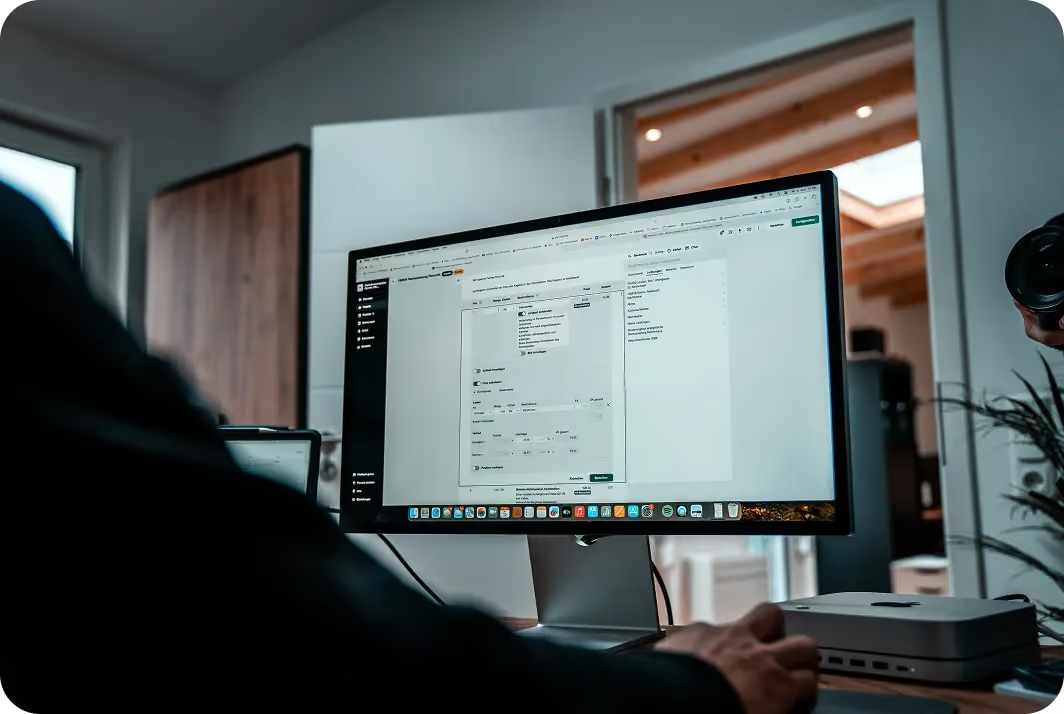


What good electrician software should be able to do
Calculate quotes professionally and quickly
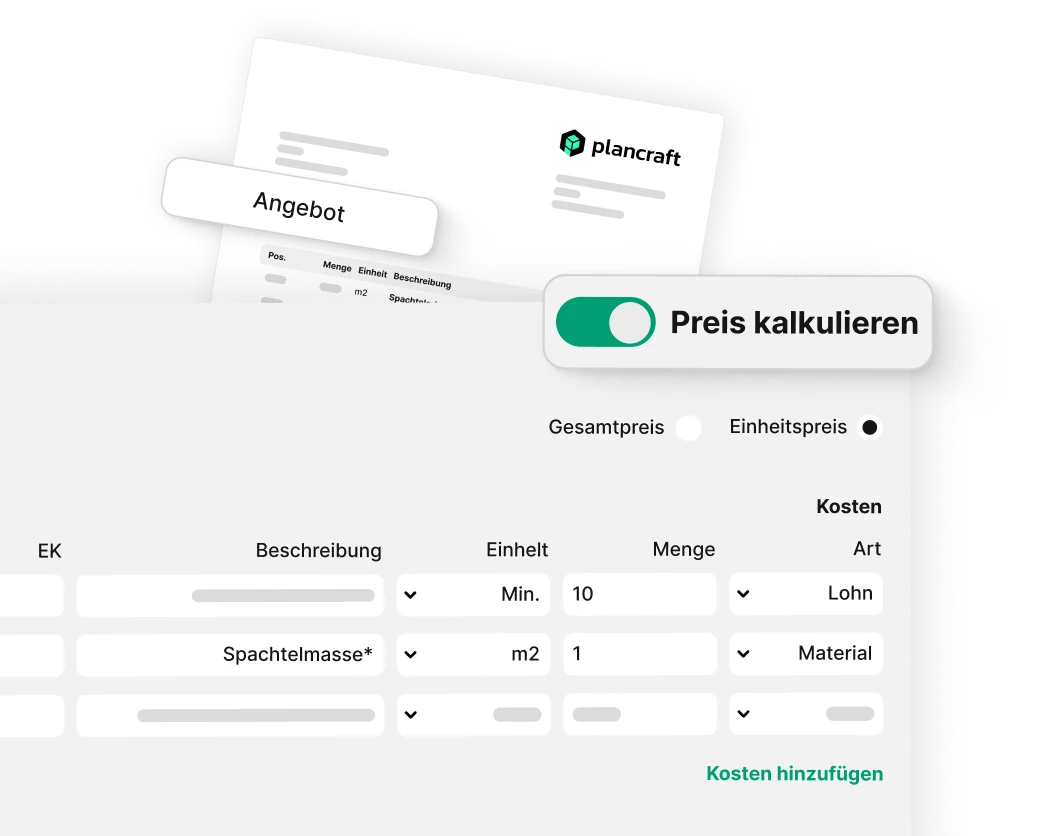
As an electrician, you know that there’s a world of difference between a small job and a major construction site – but the effort involved in drawing up a quote often feels the same. With plancraft, you simply enter your services, cables, materials and hours once, and you’ll have a clear quote in minutes. No typing in Excel, no forgetting items. Send it straight to the customer as a PDF – or have them sign it digitally.
Manage all materials centrally
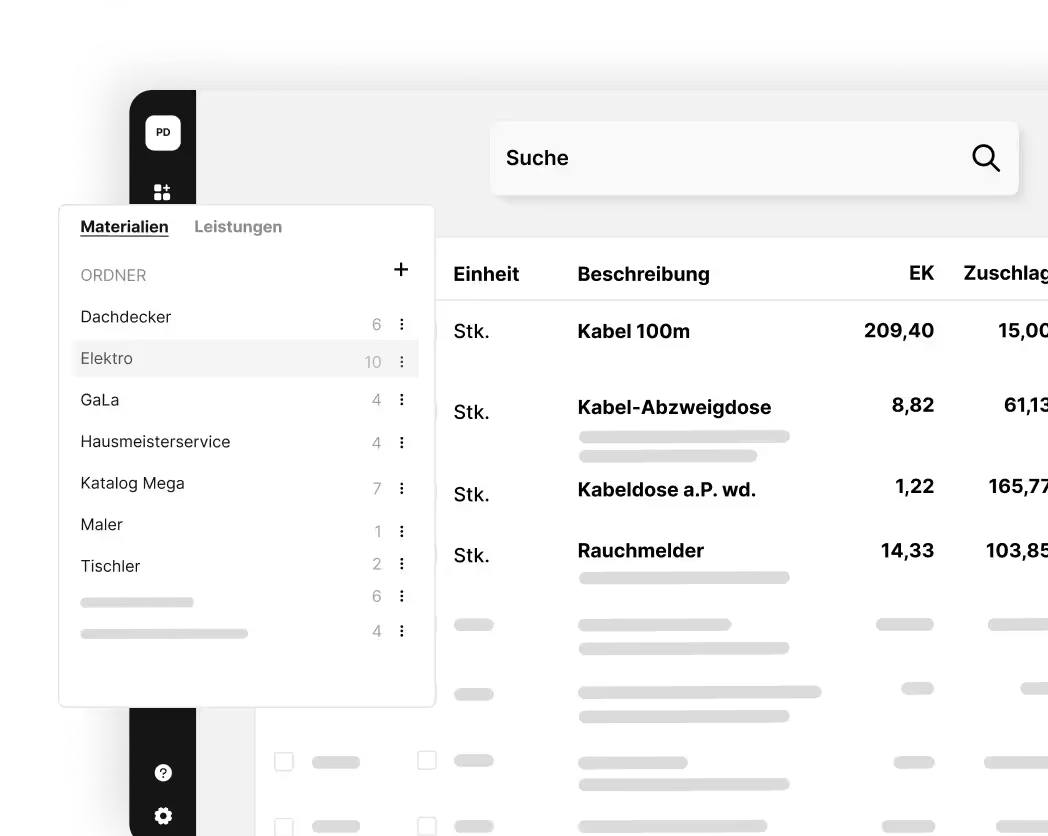
Store cables, switches, fuses and all other electrical materials centrally in your master data. Your personal materials database ensures that quotations and invoices are prepared more quickly – without lengthy searches or duplicate data entry.
Planning assignments using the planning board
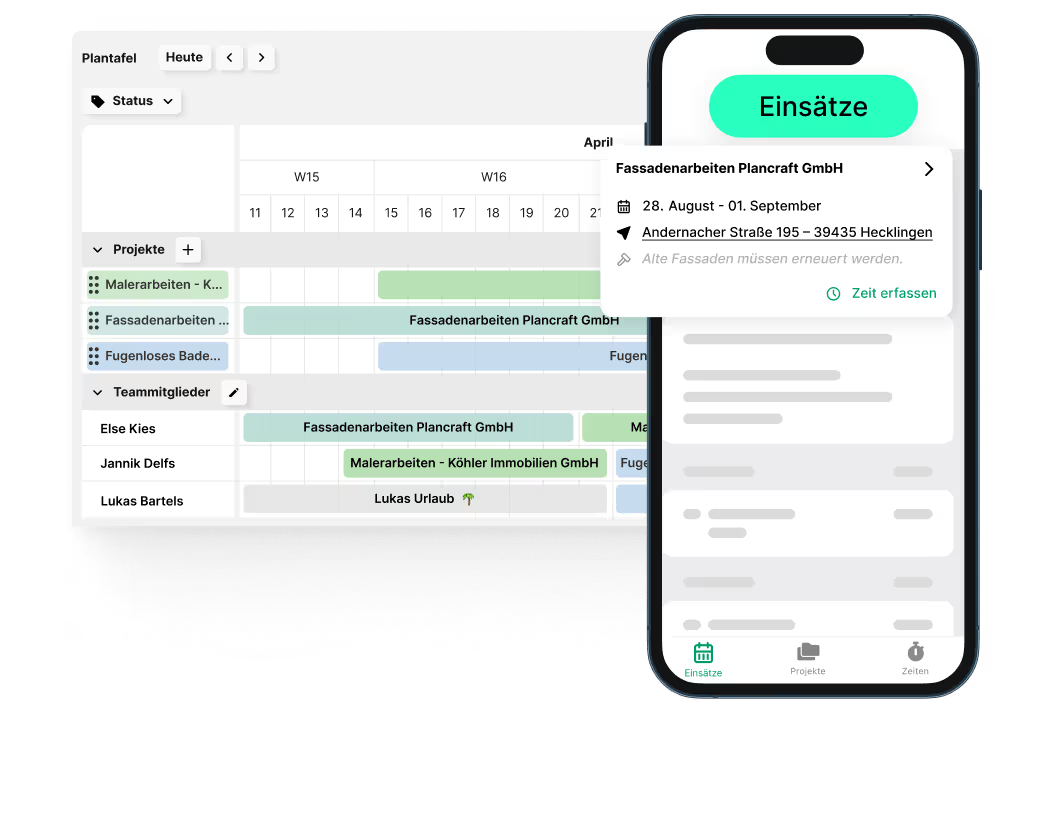
Stress-free planning: With the plancraft planning board, you can coordinate projects, assignments and teams of electricians in a matter of seconds. The electrician software clearly displays all appointments, tasks and capacity, allowing you to identify bottlenecks early on and react more quickly. Thanks to the real-time view, you always know where your team stands – ensuring higher profit margins and more free time in your day-to-day work.
The trial is completely free and without obligation. Alternatively, you can book a demo session and have a plancraft team member guide you through the software.

The most important features
From creating quotes to project completion: these features help you make your office work even more efficient in the future. Discover all of plancraft's features now!


The central hub for all order-related items. The project folder ensures you always have a clear overview.

Create precise offers and invoices quickly and easily. With just a few clicks, you can generate documents and send them to the customer directly from plancraft.

AI Quotation
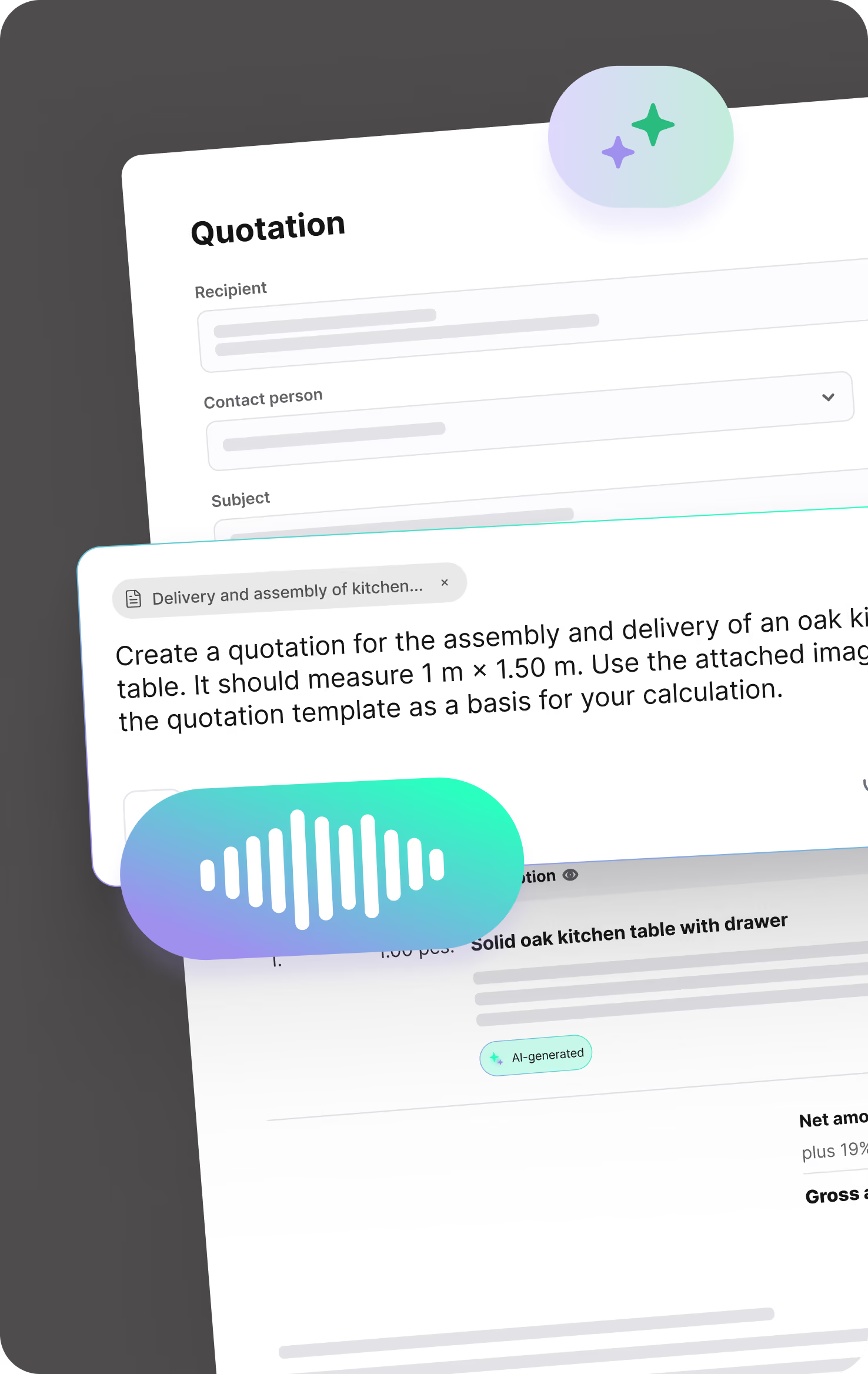
Turn notes, voice recordings, images, measurements, or price lists into a clearly structured quotation draft in no time. Save yourself tedious typing and move faster from the first customer request to a ready-to-send quote.
Stay in full control of your payments. With flat and cumulative discounts, both you and your customers are always on the safe side.

Create detailed, accurate quotes and invoices with our in-depth calculation tools. This ensures you have full financial coverage for every aspect of your project, from material costs to labor hours.

Simplify recording and calculating measurements directly on-site. With plancraft, you can enter all your figures digitally and have them automatically integrated into your calculations and documents.

From customer and service details to article master data—manage all your essential information centrally in one secure system. This makes it easy to access and maintain everything you need. Simply import your material catalogs via Datanorm or GAEB.

Optimize processes and improve communication within your team. With automated work instructions & material lists, you ensure that all team members always receive up-to-date and clear instructions.


Keep track of all your projects in the planning board. Schedule time assignments for your construction sites and track progress in real time. This ensures your projects are always completed on time.

Make sure you always have the right people in the right place at the right time. Thanks to the planning board, you can always see the availability of your employees and assign them to their respective construction sites with a simple click.

Organize your employees into teams and assign them collectively to individual projects. This saves you time when planning construction sites and optimizes work processes.


Create detailed acceptance reports directly on-site, including all relevant information. Get them signed off by the client to avoid issues later on.

Keep track of extra work and associated costs with our site reports. Record changes and additional requirements efficiently to ensure all services are documented and billed correctly.

Let your team record daily progress on-site with our construction daily reports. These reports help you track construction milestones, materials used, and employee attendance.

Speed up your documentation with plancraft report templates. Create professional reports effortlessly and boost the efficiency of your construction projects. More time for your craft, less time for paperwork.

Speed up document approval with digital signatures. This feature allows you and your customers to sign documents quickly and securely, significantly simplifying your workflows.

Manage your materials efficiently with our integrated material tracking. Record incoming and used materials directly on-site so you always have a clear overview of what has been consumed.


Your employees can record their working hours, vacation, and downtime quickly and easily via our mobile app. You can always view the hours logged in the project overview, ensuring you are prepared for any additional work.

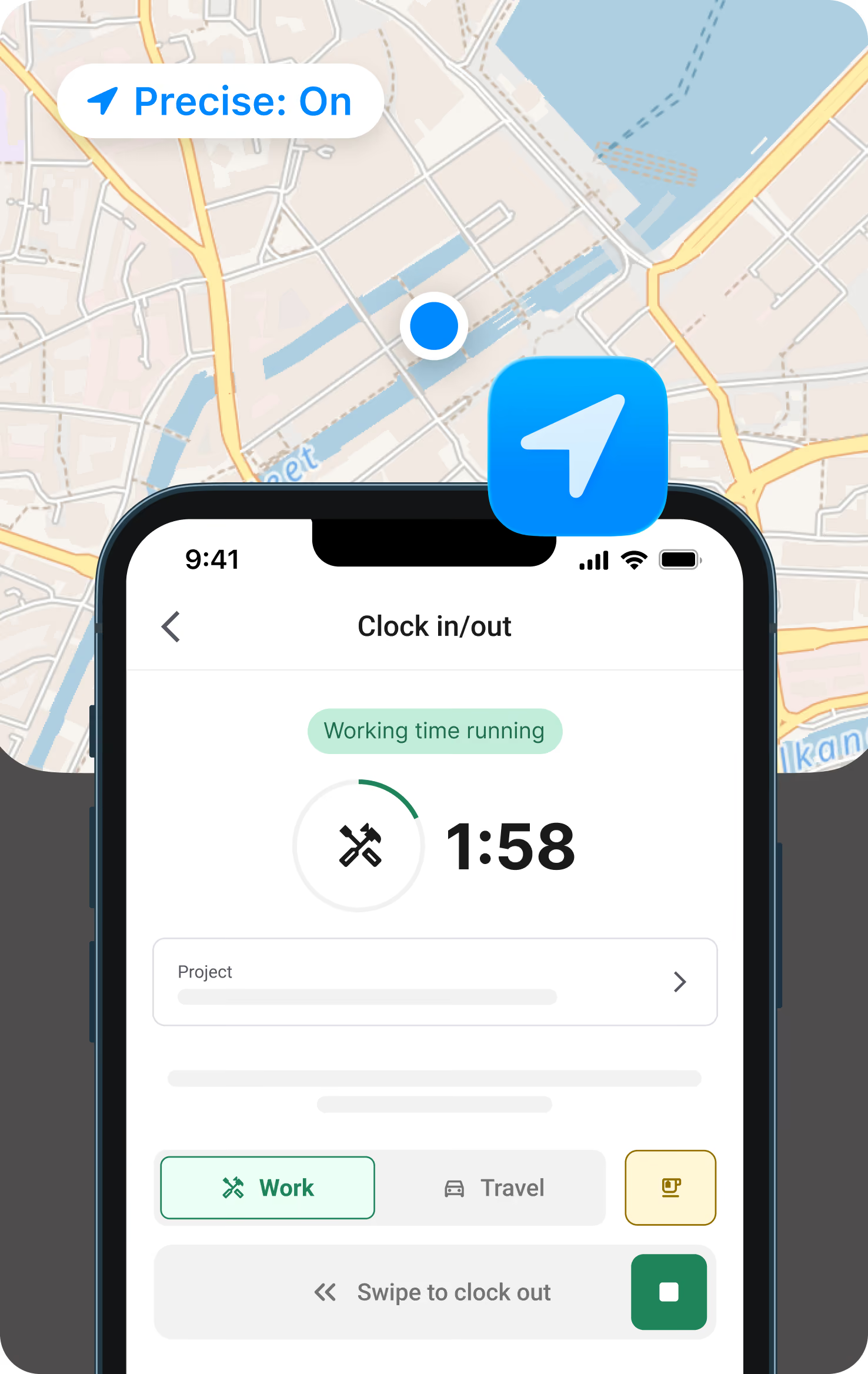
Clock in in the morning, clock out in the evening, right from the app. In between, log breaks or travel time or switch projects with just a tap. So clocking in doesn't get lost in the daily grind, the app sends a push notification in the morning and afternoon as a reminder, based on your stored working hours model.
Record employee vacation days or company-wide holidays efficiently and clearly. This gives you a complete overview of staff availability, making workforce planning much easier.


Improve team communication with project-based chat. This allows you to communicate between the construction site and the office in real time. The chat is integrated directly into every project, so you have all relevant conversations and data in one place and can keep track of everything for deductions and invoices.

Make sure no important update is missed. Our notification feature keeps you informed about project changes and reminds your employees to log their working hours.

Organize all your documents, photos, and communication data securely and clearly in the file storage. This makes it easier than ever to access, manage, and share project materials, which improves collaboration and saves time.


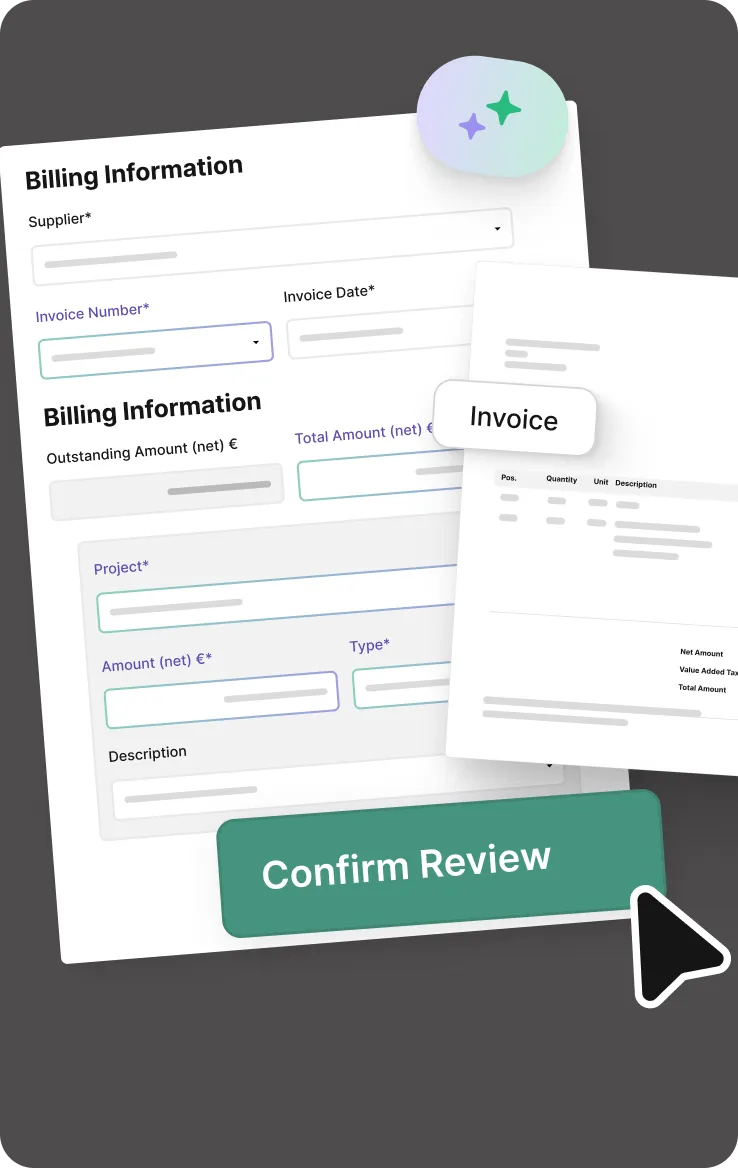


Analyze the actual costs of your projects compared to your original estimates. With job costing, you can quickly identify financial variances and take the necessary steps.

Automate your reminders and reduce the time spent tracking overdue payments. You can send payment reminders quickly and effectively directly from plancraft.

Simplify your accounting by seamlessly exporting your financial data to DATEV. This feature makes collaborating with your tax advisor easier and streamlines your tax processes.

Keep track of all your issued invoices. Our invoice lists provide a detailed view of every invoice sent, making it easier to manage your finances and wrap up projects with ease.

The dashboard for each project gives you a quick, clear overview of your costs to date. This project overview is designed for maximum clarity, making post-calculation easier than ever.

FAQ's
Switching to a craft software can be so simple – we answer your questions!
How much does software for electricians cost?
The costs depend on the size of the business and the range of features. plancraft offers flexible packages – from sole electricians to medium-sized businesses. You can find a detailed overview on our pricing page.
What interfaces does an electrician’s software need?
Key interfaces for electrical contractors are: DATEV for tax advisers, Datanorm for wholesalers and GAEB for tenders. The more interfaces there are, the less data needs to be entered twice.
Does the app for electricians work even without an internet connection on site?
Yes. The plancraft app also works in offline mode. Times, photos and reports are stored locally and automatically synchronised as soon as a connection is re-established – so there’s no loss of data on site.
How long does it take to set up an electrician’s software programme?
Most businesses are up and running with plancraft within a day. Customer data and price lists can be imported. Our onboarding team will help you get started – free of charge and via video call if you wish. There’s no need for lengthy training.


Why electricians choose plancraft
Over 30,000 trade businesses already trust plancraft. The reason is simple: plancraft saves time, reduces errors, and works right on the job site. No training, no IT hassle.
Overview of plancraft benefits for electrical businesses
- Mobile app for your electricians – Log hours, document with photos, and collect signatures directly on-site
- Planning board & job scheduling – always keep track of who is where and when
- DATEV export – invoices go straight to your accountant
- GoBD-compliant & secure – all data on German servers, accessible at any time
- Try it free for 7 days – no credit card required, no risk
Less time in the office, more time on the job site – that’s the idea behind plancraft. Try our electrician software for free and see for yourself how much office time you can save.
Book your personal product presentation now and let one of our plancraft employees guide you through the software in just 15 to 30 minutes. Free of charge and without obligation, of course.


