
HVAC software for installers & heating engineers

In the HVAC trade, every minute counts. plancraft’s HVAC software digitizes quotes, invoices, and job scheduling for plumbing and heating businesses – mobile and simple.
- Quotes, jobs, and invoices in just a few clicks
- Mobile app for technicians – time tracking, measurements, & photos directly on-site
- Digital planning board & job scheduling – keep track of all appointments and projects, even on short notice

4.9


Successful HVAC businesses rely on plancraft


%201.svg)


Trade software for plumbing, heating, and air conditioning
Taking care of customers, yes – stacking paperwork, no. The HVAC software for installers
plancraft is the trade software for HVAC professionals that handles your paperwork, so you can focus on what you do best. Whether you specialize in plumbing, heating, or air conditioning, plancraft makes creating quotes, tracking time, and issuing invoices digital, simple, and accessible from anywhere. No more paper chaos or double entry—just streamlined workflows from the first customer contact to the final paid invoice. All data is stored in compliance with GoBD standards and is available whenever you need it.


Features: What good HVAC software can do
Calculate quotes professionally and quickly
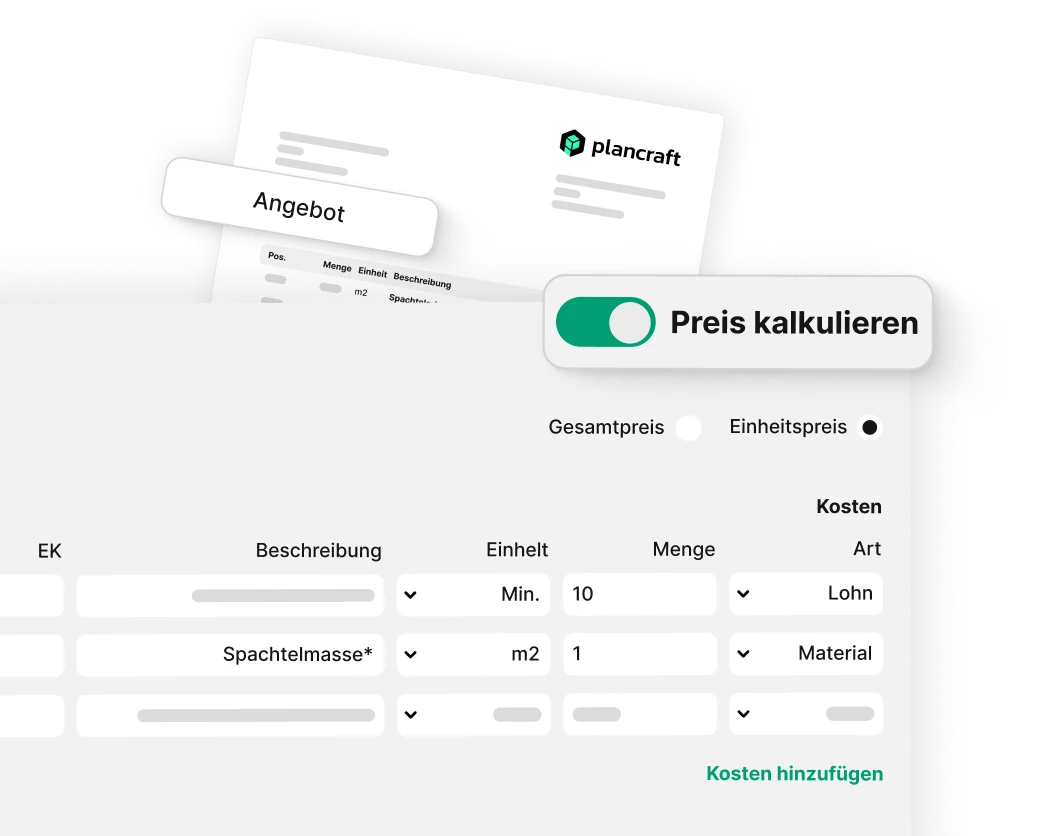
Costing in the plumbing, heating and air-conditioning trade can quickly become complex – particularly with bespoke projects, different materials and varying working hours. With plancraft, you can create plumbing, heating and air-conditioning quotes quickly and accurately, as services, materials and working hours are automatically incorporated. Thanks to pre-loaded price lists for pipes, fittings and HVAC materials, you can avoid errors – and win over your customers with transparent, clear quotations generated directly from the software. Completed quotations can be sent as PDFs or digitally signed at the click of a button.
Taking precise measurements directly on site
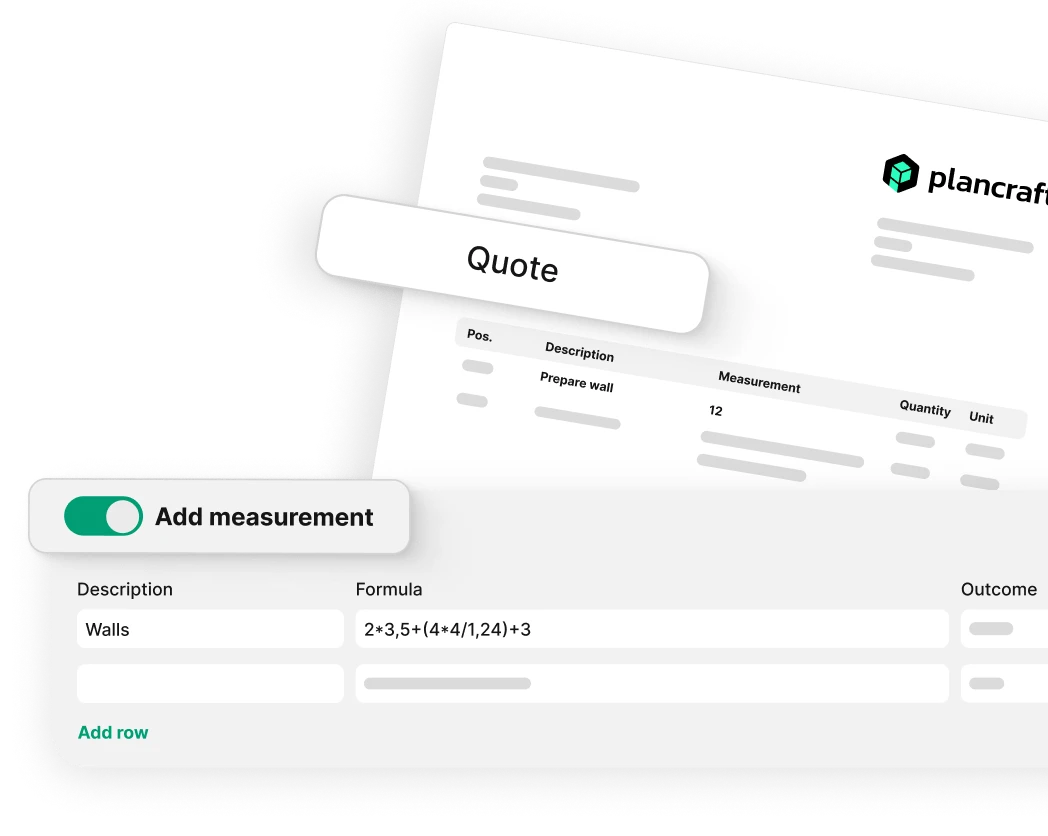
Accurate measurements are the basis for error-free planning and material costing. With plancraft, you can record all measurements digitally directly on site and process them without any transcription errors. Thanks to its seamless integration with your order management system, you save time and prevent unnecessary wastage of materials.
Planning assignments using the planning board
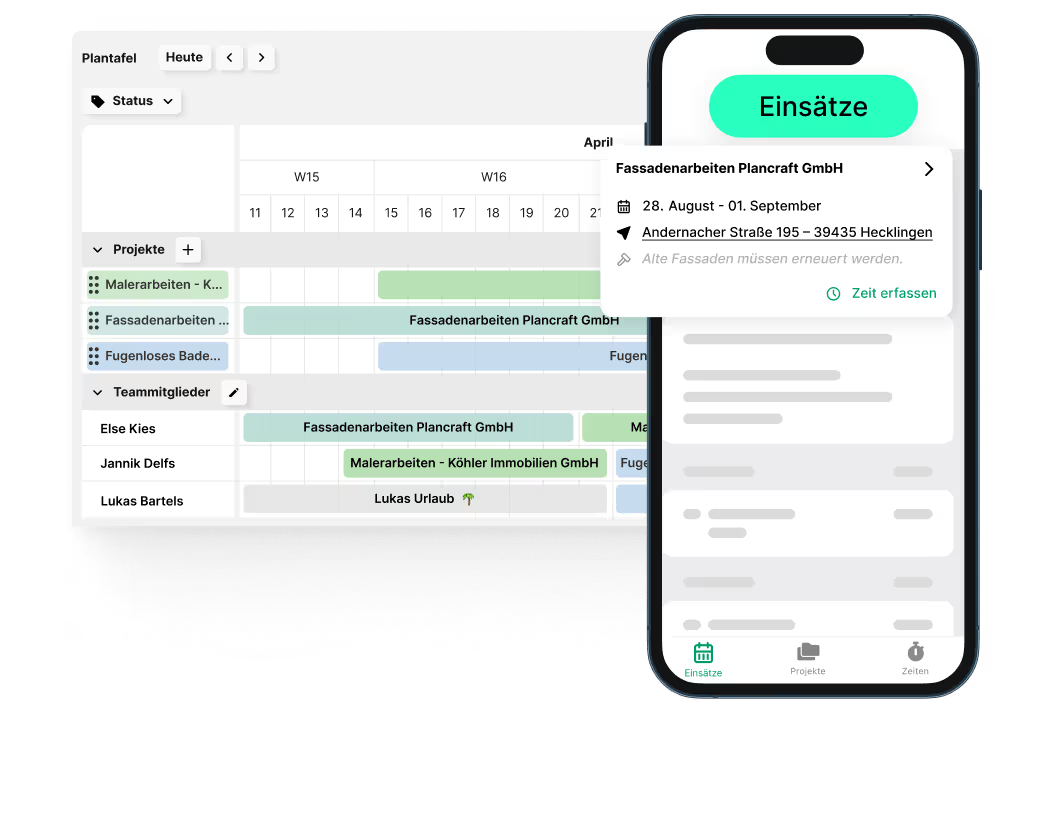
Stress-free planning: With the plancraft planning board, you can coordinate projects, assignments and work teams in a matter of seconds. The SHK software clearly displays all deadlines, tasks and capacities, allowing you to identify bottlenecks early on and react more quickly. Thanks to the real-time view, you always know where your team stands – ensuring higher profit margins and more free time in your day-to-day work.
The trial is completely free and without obligation. Alternatively, you can book a demo session and have a plancraft team member guide you through the software.

The most important features
From creating quotes to project completion: these features help you make your office work even more efficient in the future. Discover all of plancraft's features now!


The central hub for all order-related items. The project folder ensures you always have a clear overview.

Create precise offers and invoices quickly and easily. With just a few clicks, you can generate documents and send them to the customer directly from plancraft.

AI Quotation
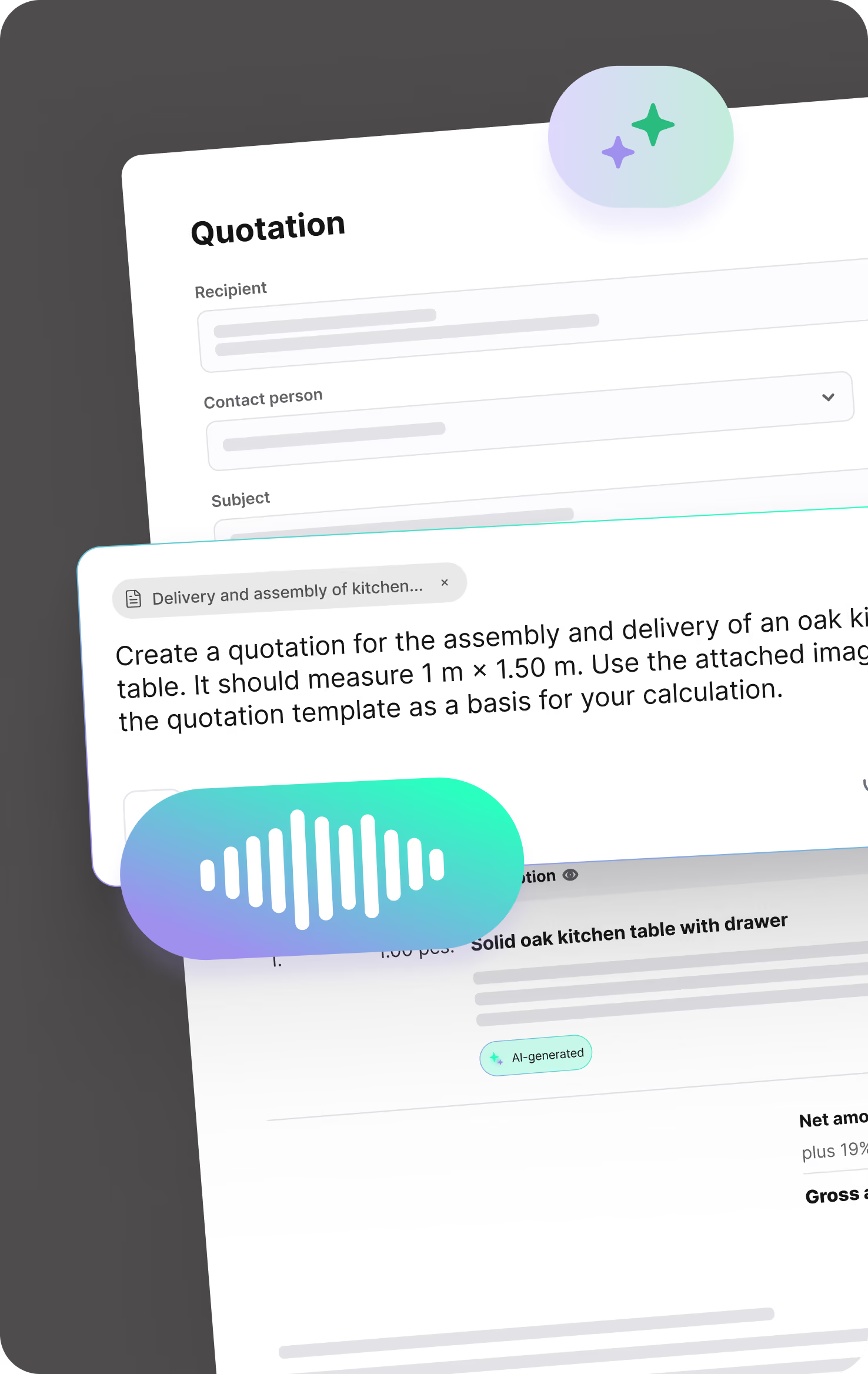
Turn notes, voice recordings, images, measurements, or price lists into a clearly structured quotation draft in no time. Save yourself tedious typing and move faster from the first customer request to a ready-to-send quote.
Stay in full control of your payments. With flat and cumulative discounts, both you and your customers are always on the safe side.

Create detailed, accurate quotes and invoices with our in-depth calculation tools. This ensures you have full financial coverage for every aspect of your project, from material costs to labor hours.

Simplify recording and calculating measurements directly on-site. With plancraft, you can enter all your figures digitally and have them automatically integrated into your calculations and documents.

From customer and service details to article master data—manage all your essential information centrally in one secure system. This makes it easy to access and maintain everything you need. Simply import your material catalogs via Datanorm or GAEB.

Optimize processes and improve communication within your team. With automated work instructions & material lists, you ensure that all team members always receive up-to-date and clear instructions.


Keep track of all your projects in the planning board. Schedule time assignments for your construction sites and track progress in real time. This ensures your projects are always completed on time.

Make sure you always have the right people in the right place at the right time. Thanks to the planning board, you can always see the availability of your employees and assign them to their respective construction sites with a simple click.

Organize your employees into teams and assign them collectively to individual projects. This saves you time when planning construction sites and optimizes work processes.


Create detailed acceptance reports directly on-site, including all relevant information. Get them signed off by the client to avoid issues later on.

Keep track of extra work and associated costs with our site reports. Record changes and additional requirements efficiently to ensure all services are documented and billed correctly.

Let your team record daily progress on-site with our construction daily reports. These reports help you track construction milestones, materials used, and employee attendance.

Speed up your documentation with plancraft report templates. Create professional reports effortlessly and boost the efficiency of your construction projects. More time for your craft, less time for paperwork.

Speed up document approval with digital signatures. This feature allows you and your customers to sign documents quickly and securely, significantly simplifying your workflows.

Manage your materials efficiently with our integrated material tracking. Record incoming and used materials directly on-site so you always have a clear overview of what has been consumed.


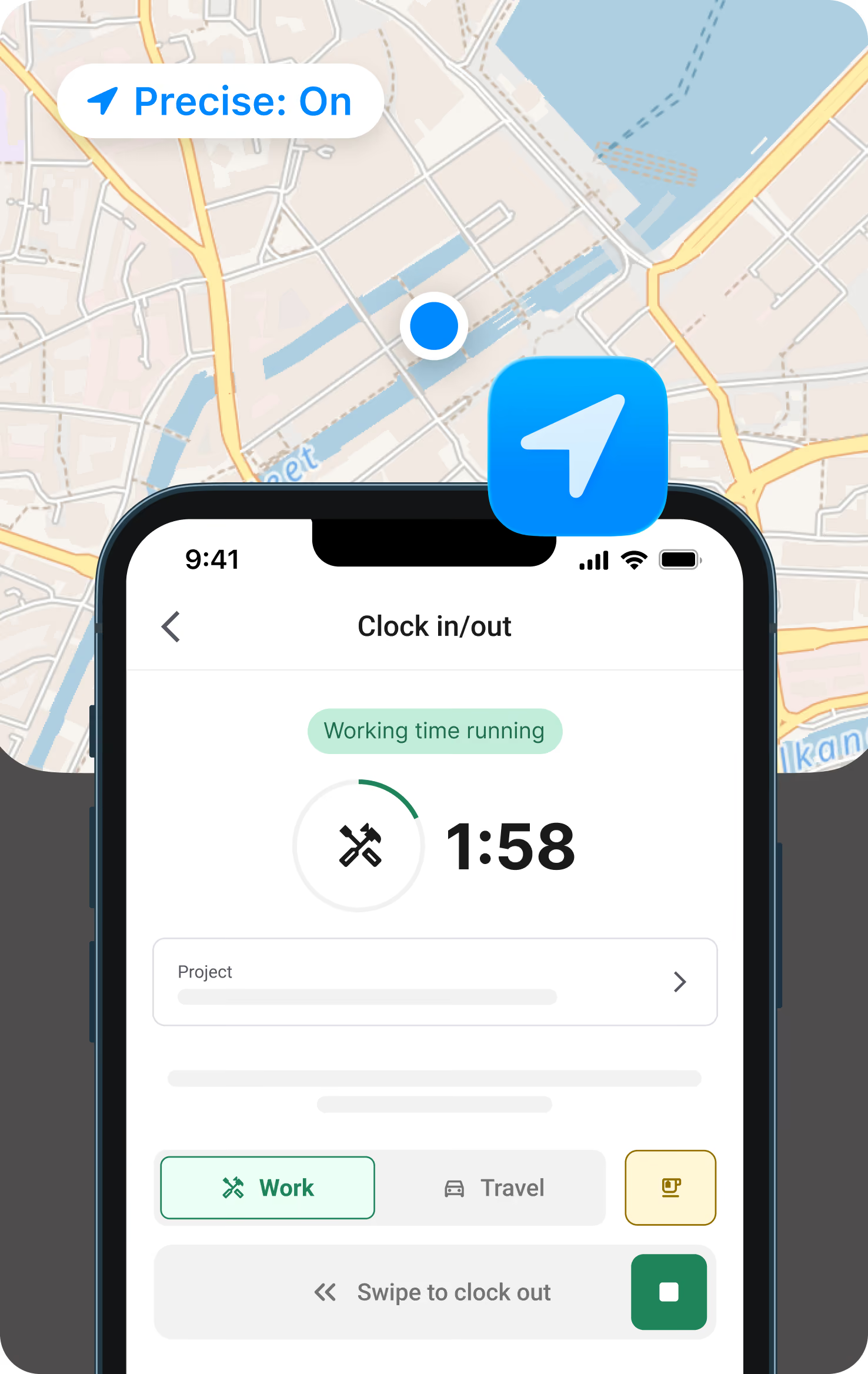
Your employees can record their working hours, vacation, and downtime quickly and easily via our mobile app. You can always view the hours logged in the project overview, ensuring you are prepared for any additional work.

Clock in in the morning, clock out in the evening, right from the app. In between, log breaks or travel time or switch projects with just a tap. So clocking in doesn't get lost in the daily grind, the app sends a push notification in the morning and afternoon as a reminder, based on your stored working hours model.
Record employee vacation days or company-wide holidays efficiently and clearly. This gives you a complete overview of staff availability, making workforce planning much easier.


Improve team communication with project-based chat. This allows you to communicate between the construction site and the office in real time. The chat is integrated directly into every project, so you have all relevant conversations and data in one place and can keep track of everything for deductions and invoices.

Make sure no important update is missed. Our notification feature keeps you informed about project changes and reminds your employees to log their working hours.

Organize all your documents, photos, and communication data securely and clearly in the file storage. This makes it easier than ever to access, manage, and share project materials, which improves collaboration and saves time.


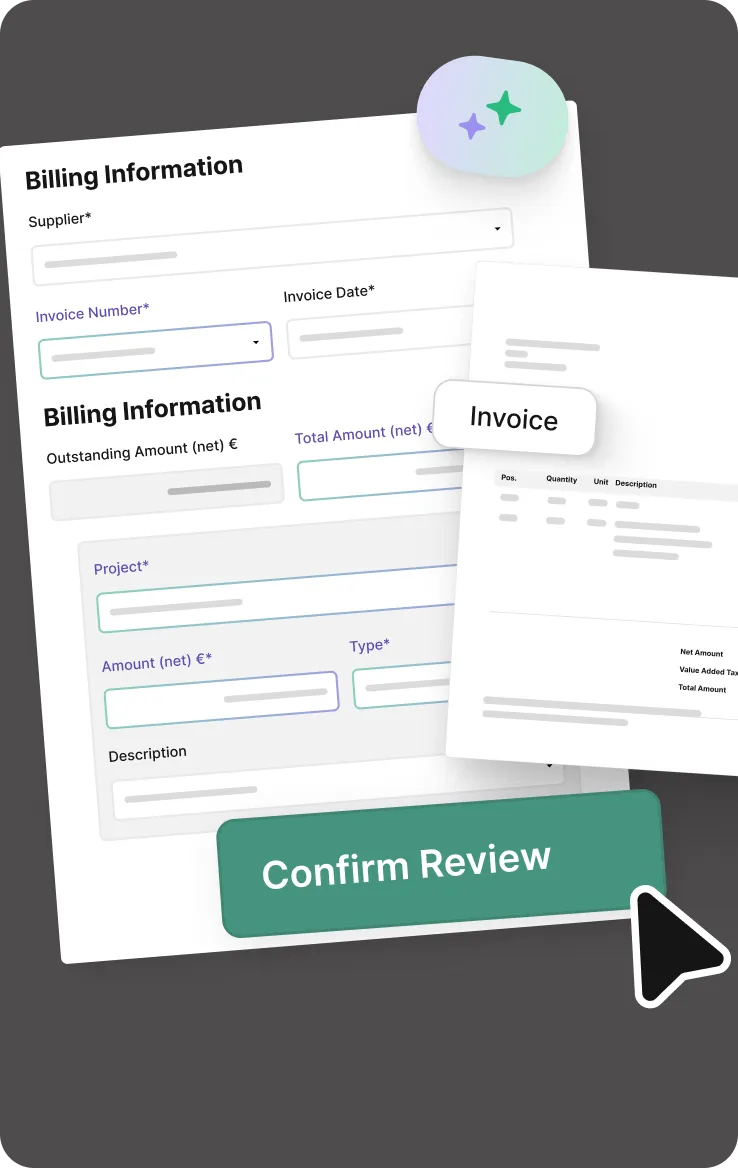


Analyze the actual costs of your projects compared to your original estimates. With job costing, you can quickly identify financial variances and take the necessary steps.

Automate your reminders and reduce the time spent tracking overdue payments. You can send payment reminders quickly and effectively directly from plancraft.

Simplify your accounting by seamlessly exporting your financial data to DATEV. This feature makes collaborating with your tax advisor easier and streamlines your tax processes.

Keep track of all your issued invoices. Our invoice lists provide a detailed view of every invoice sent, making it easier to manage your finances and wrap up projects with ease.

The dashboard for each project gives you a quick, clear overview of your costs to date. This project overview is designed for maximum clarity, making post-calculation easier than ever.

FAQ's
Switching to a craft software can be so simple – we answer your questions!
What features does HVAC software need?
Good business software for plumbing, heating and air-conditioning (SHK) firms should offer at least the following functions: quotation and invoicing, a digital planning board for resource allocation, mobile time tracking for fitters, site documentation with photo uploads, maintenance management and DATEV export.
Ideally, the software should also be available as an app and be GoBD-compliant. plancraft covers all of this – yet is so straightforward that no training is required.


Why HVAC trade software is essential today
HVAC businesses that switch to digital trade software save an average of 8 hours per week on quotes, invoices, and job scheduling. plancraft automates your processes from the initial inquiry to the paid invoice, giving you a real competitive edge.
Typical daily challenges:
- Paperwork & Excel chaos
- Disorganized job site planning
- Time-consuming quote generation
- Lack of team transparency
The solution: A centralized HVAC industry software that connects everything.
HVAC software comparison: The 5 most important criteria
The market for HVAC trade software is vast – and confusing. You can recognize a good program by these 5 criteria – regardless of the provider:
- Ease of use: Your team needs to understand the software immediately – without lengthy training.
- Cloud & mobile capability: You need access from the office and the job site with a full-featured trade app for technicians
- Specialization in HVAC: Not generic software – but a true industry solution.
- Interfaces (e.g., DATANORM, IDS) For simple material ordering, cost estimation, and DATEV export for your accountant
- Scalability: The software grows with your business.
plancraft meets all these criteria – yet it is so simple that you can get started today. Try plancraft for free and see for yourself.
Book your personal product presentation now and let one of our plancraft employees guide you through the software in just 15 to 30 minutes. Free of charge and without obligation, of course.


